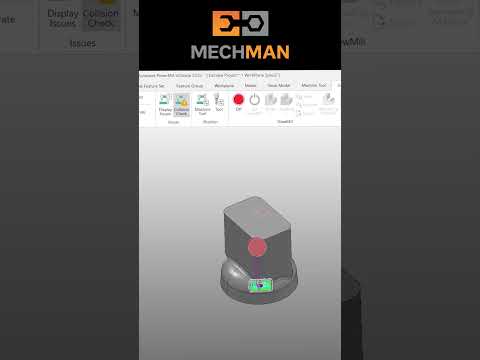
In the fast-paced world of precision manufacturing, efficiency is the name of the game. If you find yourself manually selecting every hole, pocket, or boss in your CAD model, you are likely spending significantly more time on programming than necessary. Manual data entry is not only tedious but also opens the door to costly human errors. One of the most effective ways to streamline your workflow and reclaim your time is by utilizing the advanced Feature Set tools available in Autodesk PowerMill.
What is a Feature Set?
At its core, a Feature Set is a collection of geometric data that the software recognizes as specific shapes, such as holes, pockets, or slots. Instead of treating your 3D model as a collection of random surfaces, the Feature Set allows the software to understand the "intent" of the geometry. By defining these features, you enable the software to automate the selection process, making it much easier to apply toolpaths across multiple identical or similar areas of a part.
The Power of Automation and Consistency
The primary benefit of automating your workflow within Autodesk PowerMill is the drastic reduction in repetitive tasks. For example, if a mold base has fifty different cooling holes, manually selecting each one is a recipe for fatigue. By using automatic feature recognition, the software identifies all holes instantly.
Beyond speed, automation ensures absolute consistency. When you use Feature Sets, you can apply standardized machining templates. This means that every hole of a certain diameter will be drilled, tapped, or bored using the exact same parameters every time, regardless of which programmer is handling the file. This level of standardization is crucial for maintaining high-quality outputs in a professional machine shop.
How to Get Started with Feature Sets
To begin, navigate to the Feature Set icon in the explorer tree. You can use the "Recognize Features" command to allow the software to scan your model for known shapes. Once the features are detected, they are organized into a list where you can review their properties, such as depth, diameter, and orientation.
Once your features are defined, you can simply drag and drop your preferred machining strategies onto them. The toolpaths will automatically adapt to the dimensions of each feature. By learning to leverage the full potential of Autodesk PowerMill, you can transform your programming phase from a manual bottleneck into a high-speed, automated process. Start exploring Feature Sets today and focus your energy on complex engineering rather than repetitive clicking.


