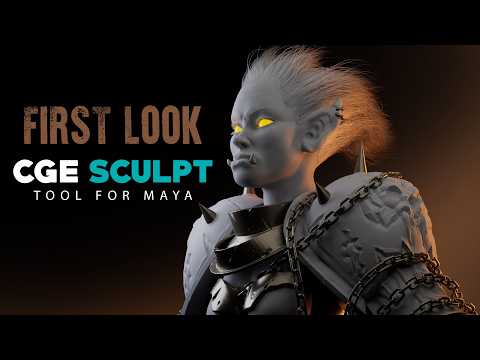
3D artists and animators have long wished for a more seamless sculpting workflow inside their primary modeling suites. While dedicated software remains popular for heavy organic detail, constantly switching back and forth between applications can disrupt your creative momentum. Enter the CGE Sculpt Tool by CGElementary—a brand-new plugin designed specifically to elevate your digital sculpting workflow inside Autodesk Maya.
In this first look, we explore how this promising tool aims to bring intuitive, high-performance sculpting capabilities directly into your 3D pipeline.
What is the CGE Sculpt Tool?
The CGE Sculpt Tool is an innovative add-on built to give artists fast, fluid sculpting controls without leaving the Maya interface. Developed by CGElementary, the plugin introduces a suite of essential brushes and deformation tools tailored for rapid concepting, organic tweaking, and mesh refinement.
Instead of exporting your assets to external programs just to make minor shape adjustments or smooth out topology, the CGE Sculpt Tool allows you to make those changes instantly. It bridges the gap between traditional polygon modeling and digital sculpting, making Autodesk Maya an even more versatile, all-in-one hub for character creators, environment artists, and VFX professionals.
Key Features That Stand Out
- Seamless Viewport Integration: Sculpt directly on your geometry inside the Maya viewport with minimal setup.
- Intuitive Brush Mechanics: Access familiar tools for grabbing, smoothing, inflating, and pulling geometry effortlessly.
- Streamlined Asset Pipeline: Eliminate tedious file conversions and transfers between multiple software packages.
- Optimized Performance: Designed to handle dense geometry smoothly, keeping your interactive sculpting responsive and clean.
Why 3D Artists Should Take Notice
For studio professionals and indie creators alike, pipeline efficiency is essential. By integrating robust sculpting tools directly into the Autodesk ecosystem, CGElementary offers a compelling solution that simplifies asset creation. Whether you are prepping a base mesh for animation, tweaking character blend shapes, or sketching out fast 3D concepts, this plugin delivers a refreshingly cohesive experience.
If you are looking to speed up your 3D modeling workflow and stay focused in a single environment, the CGE Sculpt Tool is definitely a plugin worth adding to your toolkit.


