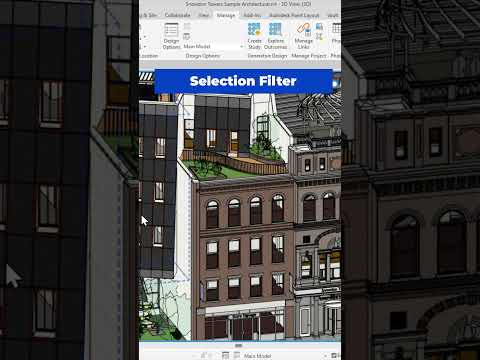
Are you still wasting precious time manually clicking on individual elements in your Building Information Modeling (BIM) projects? Stop selecting elements one by one! If you want to dramatically speed up your modeling workflow, it is time to leverage one of the most efficient built-in features available: the Selection Filter.
What is the Selection Filter in Revit?
When working on complex architectural or engineering models, selecting specific categories—such as columns, doors, or structural framing—can quickly turn into a tedious chore. Manual clicking often leads to accidental selections and costly errors.
Designed to handle dense BIM data, Autodesk Revit offers the Selection Filter tool to solve this exact problem. This feature allows you to select a large group of mixed elements across your view and then refine that selection by checking or unchecking specific categories in a matter of seconds.
Step-by-Step: How to Select Objects 10x Faster
Using the Selection Filter is remarkably simple and will instantly transform how you navigate your project view. Here is how to use it:
- Cross-Select Your Area: Click and drag a selection box across the region containing the objects you need to edit or modify.
- Access the Filter Tool: Look at the top contextual ribbon under the "Modify" tab and click the Filter icon (it looks like a small funnel).
- Refine Your Categories: A dialog box will appear listing all element categories currently highlighted, along with their exact counts. Click "Check None" and then select only the target categories you wish to keep.
- Apply and Modify: Click "OK." Revit will instantly deselect everything else, leaving only your desired objects highlighted and ready for bulk editing.
Why You Should Master This Feature Today
Incorporating this quick habit into your daily routine drastically cuts down design time. By reducing tedious manual clicks, you minimize wrist strain and keep your attention focused on higher-level design tasks. As a cornerstone of the Autodesk design ecosystem, mastering smart selection techniques in Revit ensures your BIM projects remain clean, accurate, and ahead of schedule.
Stop manual selecting today—try the Selection Filter feature in your next project and watch your modeling efficiency skyrocket!


