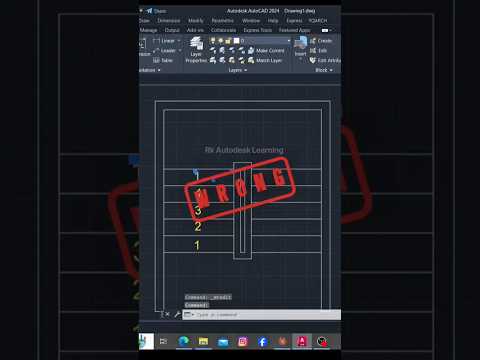
In the fast-paced worlds of architecture, engineering, and construction, speed and precision are paramount. Whether you are a student just starting out or a seasoned professional, finding ways to streamline your drafting process can save you hours of repetitive work. Today, we are diving into essential shortcuts and efficiency hacks—including powerful commands like ABH—to help you get the most out of your Autodesk software.
Why Command Shortcuts Matter in AutoCAD
AutoCAD is renowned for its vast array of tools, but navigating menus manually can severely slow down your design process. Keyboard shortcuts act as instant triggers, allowing you to execute complex actions in milliseconds. Mastering these quick inputs is the single most effective way to transition from a novice drafter to a high-speed CAD expert.
Streamlining Workflows with Quick Commands
Among the many productivity tips available to CAD users, specific command shortcuts like ABH offer clever solutions for everyday drawing challenges. These commands help manage drawing elements, attributes, or hatches seamlessly without interrupting your creative flow. Incorporating micro-hacks into your daily drafting routine reduces unnecessary clicks, minimizes human error, and keeps your digital workspace clean.
To maximize your drafting speed, consider building these simple habits alongside quick commands: - Keep Your Hands on the Keyboard: Rely on command line inputs for tool activation rather than searching through ribbon tabs. - Customize Command Aliases: Adjust tool shortcuts to match your most frequent drawing actions and hand positioning. - Utilize Smart Selection: Combine quick commands with object filters to modify dense drawings effortlessly.
Elevate Your CAD Capabilities
Learning to work smarter rather than harder is key to thriving in modern engineering and architectural design. By staying updated with continuous tutorials and practical software tips designed for Autodesk AutoCAD, you can consistently meet tight project deadlines while maintaining absolute accuracy in your blueprints.
Start integrating these quick commands into your daily workflow today, and watch your design productivity reach new heights!


