Are you looking to make your mobile apps smarter and more dynamic? Whether you want to create a countdown timer, update live user interface elements, or trigger actions automatically, automation is essential. Fortunately, MIT App Inventor makes it extremely easy to handle time-based events without writing complex code.
In this quick guide, we will explore how to harness the power of the Clock component to automate tasks in your mobile applications effortlessly.
What is the Clock Component?
The Clock component is a non-visible component in MIT App Inventor that provides two main capabilities: tracking system time and running repeating events using a timer.
To automate an action, you primarily deal with two essential properties: - TimerInterval: Specifies the duration in milliseconds between each event trigger (for example, 1000 milliseconds equals 1 second). - TimerEnabled: A boolean setting (true/false) that turns the timer on or off.
How to Set Up Your Automated Timer
Automating a task takes only a few simple block connections. Follow these steps to build your automated workflow:
- Add the Clock Component: In the Designer view, locate the Sensors palette, drag the Clock component, and drop it into your viewer.
- Configure the Properties: In the Properties panel, set the
TimerIntervalto your desired frequency. Set it to1000if you want an action to trigger every second. LeaveTimerEnabledchecked if you want it running as soon as the app launches. - Build the Logic: Switch to the Blocks editor. Select the
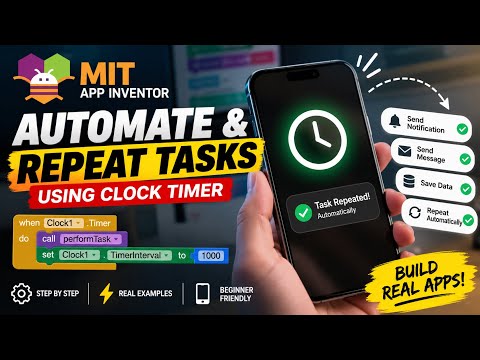
when Clock1.Timer doblock and drag it into your workspace. Insert any actions you wish to automate inside this block—such as updating a label, changing a screen background, or incrementing a counter.
Best Practices for Better App Performance
While automated timers are incredibly useful, keeping them running unnecessarily can drain a device's battery and slow down performance. Always remember to turn Clock1.TimerEnabled to false once the task is complete or when the user navigates away from the active screen.
By mastering the Clock Timer in MIT App Inventor, you can turn static screens into highly interactive, automated mobile apps. Try adding a timer event to your project today!


