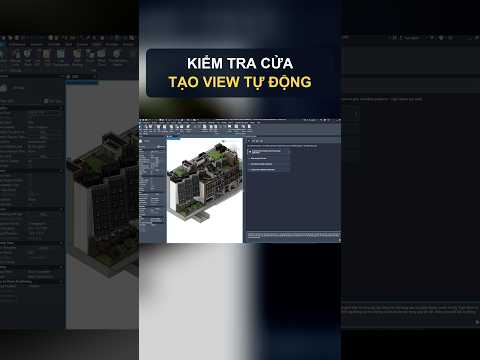
In the fast-paced world of Building Information Modeling (BIM), efficiency and accuracy are essential for delivering successful architectural projects. With the integration of the Autodesk Assistant, professionals can now leverage AI-driven support directly within Autodesk Revit to streamline repetitive tasks, minimize manual errors, and significantly accelerate project delivery timelines.
Whether you are managing complex building parameters or setting up initial design views, this intelligent tool transforms standard workflows into a more fluid, automated process.
Streamline Door Audits and Fire Rating Compliance
Verifying code compliance across hundreds of doors in a building model is notoriously time-consuming. Autodesk Assistant simplifies quality control by helping architects efficiently review critical parameters, specifically Fire Ratings.
Instead of manually inspecting individual family instances, you can use the assistant to quickly highlight discrepancies, verify fire safety attributes, and ensure your model adheres to regulatory standards long before reaching the documentation phase.
Rapid Floor Plan Creation and Seamless View Templates
Setting up new floor views and configuring visual standards usually requires multiple tedious clicks. By integrating AI assistance into Autodesk Revit, generating floor plans and managing graphic standards becomes effortless.
Key workflow benefits include: - Instant Floor Plan Generation: Quickly create new floor plan views based on existing levels and spatial structures. - Automated View Template Application: Instantly enforce graphic consistency across multiple views by applying predefined View Templates with minimal effort.
By automating these setup steps, design teams can maintain rigorous graphic standards while saving hours of setup time on every project.
Conclusion: Elevate Your BIM Productivity
Integrating smart assistance into Autodesk Revit empowers design teams to spend less time on routine technical setup and more time on high-value architectural design. From auditing fire ratings to standardizing views, leveraging these capabilities is a essential step toward a faster, smarter BIM process.


