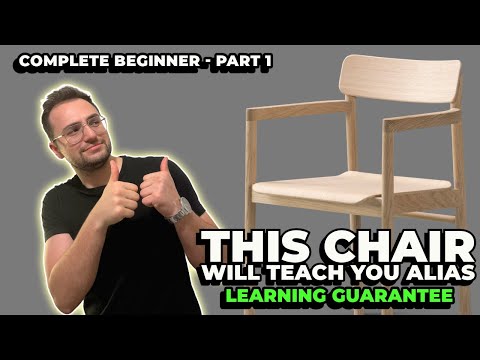
Welcome to the world of industrial design and digital sculpting! If you are just starting your journey into 3D surface design, mastering Autodesk Alias is one of the most valuable skills you can acquire. Renowned across the automotive and consumer product design industries, Alias offers unparalleled precision and control for high-quality surface creation.
In this beginner-friendly tutorial series, we guide you step-by-step through modeling a stylish 3D chair from scratch. Part 1 focuses on setting up your project and mastering foundational surface modeling techniques that every aspiring designer needs to know.
Step 1: Setting Up Reference Data
Before laying down your first curve, establishing accurate reference data is essential. Working from reference files ensures that your proportions remain realistic and true to the original design concept. Start by importing your reference data into your workspace and properly aligning your orthographic views (front, side, and top) to establish a solid workflow.
Step 2: Drafting Clean Control Curves
High-quality surface modeling relies heavily on the structure of your underlying curves. In Autodesk Alias, creating smooth, single-span curves lays the groundwork for clean, production-ready geometry. Focus on placing Control Vertices (CVs) intentionally—using fewer CVs generally results in smoother curvature and far more manageable surfaces.
Step 3: Generating Primary Surfaces
Once your wireframe skeleton is defined, it is time to generate the primary surfaces of the chair. You will utilize core tools such as skinning, extruding, and rail surfaces to bridge your key curves. In this first part, focus on: - Establishing the main curvature of the seat cushion - Shaping the supportive backrest surface - Ensuring clean alignment and symmetry across the center axis
Build Your 3D Modeling Skills Today
Mastering complex surface geometry takes practice, but working through a practical project like a chair makes the learning process rewarding and intuitive. By practicing these core techniques in Autodesk Alias, you will build a strong foundation for advanced product and automotive modeling projects. Stay tuned for Part 2, where we will refine the geometry and add detailed surface transitions!


