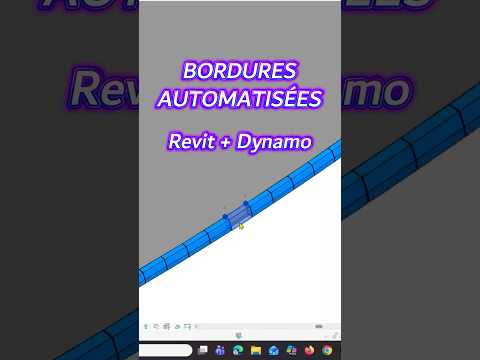
Manually modeling curbs and site borders in Autodesk Revit can be one of the most tedious tasks for BIM professionals and civil designers. Aligning profiles along complex site topographies or curved roads often leads to hours of repetitive work. Fortunately, visual programming allows you to automate this entire process effortlessly.
In this guide, we will explore how leveraging Autodesk Dynamo can help you instantly generate custom curbs directly from your site geometry.
Why Automate Curb Creation in Revit?
Traditional site modeling methods require manual line tracing and individual sweep placements. When design changes occur—which happens frequently in civil and landscape design—you are forced to manually update every single curb path.
By introducing visual scripts into your workflow, you eliminate manual errors, save countless modeling hours, and ensure your site elements adapt dynamically to underlying geometry adjustments.
How the Automation Workflow Works
Creating custom curbs automatically involves a straightforward visual logic:
- Extract Reference Curves: Select edges, lines, or topography borders directly from your Revit project environment to serve as guide paths.
- Process Profile Geometry: Utilize Autodesk Dynamo to read these input paths and associate them with your custom curb profile families.
- Generate Dynamic Sweeps: The script places adaptive elements or sweep geometries along the selected paths automatically, perfectly conforming to elevation shifts.
This approach allows you to generate hundreds of linear curb meters in a matter of seconds, regardless of how complex your site layout is.
Maximize Your BIM Efficiency
Adopting parametric scripts transforms how you approach site modeling in Revit. Instead of treating curbs as static, time-consuming background elements, you can quickly iterate design variations, adjust profile dimensions, and maintain full geometric control over your site models.
Mastering Autodesk Dynamo for routine modeling tasks is an essential step toward building a faster, smarter, and more reliable BIM pipeline. Start incorporating script automation into your next site development project and take your modeling productivity to the next level.


