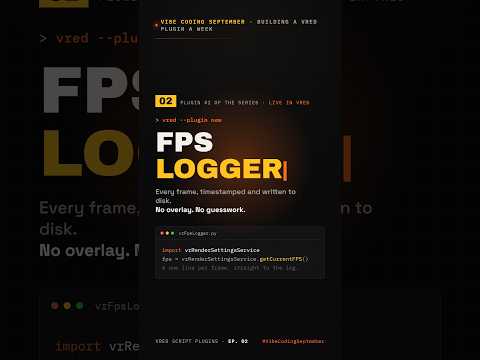
High-quality visuals are the hallmark of any professional virtual reality project, but they mean nothing if the performance isn't smooth. In the world of high-end visualization, maintaining a consistent frame rate is crucial to preventing motion sickness and ensuring a seamless user experience. This is where Autodesk Vred shines as a powerhouse, though monitoring its real-time performance in VR has historically been a bit of a challenge.
The Struggle with VR Performance Tracking
When you are deep inside a virtual environment, you cannot easily glance at a traditional desktop FPS counter. Furthermore, performance isn't static; it fluctuates based on scene complexity, lighting settings, and whether you have advanced features like Ray Tracing or DLSS enabled. Developers and designers need a way to log this data accurately without breaking their immersion or manually recording numbers.
Introducing the FPS Logger Plugin
To solve this, the FPS Logger plugin offers a streamlined way to measure performance within Autodesk Vred. Instead of relying on manual tracking, this plugin "arms" itself and waits for the VR mode to trigger. Once you put on the headset and enter the virtual space, the logger starts recording immediately, capturing every frame fluctuation.
Comprehensive Data for Better Optimization
The beauty of this tool lies in its intelligence. It doesn’t just record a single average number; it tracks scene changes and various settings in real-time. If you toggle DLSS or switch from OpenGL to Ray Tracing, the logger notes these transitions. This allows you to see exactly how specific visual enhancements impact your frame rate during an actual session. By analyzing this data, you can make informed decisions about where to optimize your geometry, shaders, or texture sizes to maintain that critical 90 FPS target.
Streamlining Your Workflow
With the ability to record performance logs effortlessly, Autodesk Vred users can now focus more on design and less on technical troubleshooting. Whether you are presenting a vehicle prototype or a complex architectural walkthrough, the FPS Logger ensures your performance meets the highest professional standards. Stop guessing how your scene performs and start using data-driven insights to perfect your VR experience.


