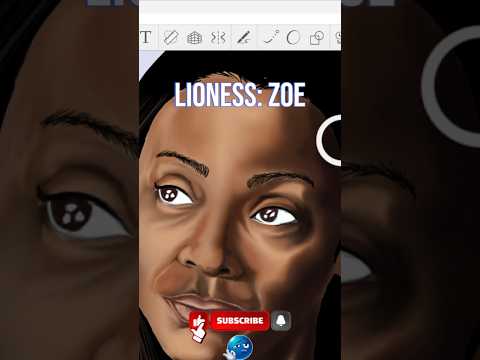
Digital art has revolutionized how illustrators bring majestic creatures to life on screen. If you have ever wanted to capture the beauty of a fierce lioness with stunning detail, learning the right digital workflow is essential. In this digital drawing tutorial, we will explore how to sketch and clean up line art using one of the best free software options available: Autodesk SketchBook.
Step 1: Crafting the Initial Rough Sketch
Every great illustration starts with a solid foundation. When drawing a complex organic subject like a lioness, focus on basic geometric shapes and proportions before worrying about intricate details.
Open a blank canvas and choose a soft pencil brush set to a lower opacity. Lightly block out the structure of the lioness’s head, snout, and intense eyes. Keep your strokes loose and expressive to capture the natural posture and power of the animal. The flexibility of a digital canvas allows you to adjust scale and positioning effortlessly, so take your time building a strong foundation.
Step 2: Refining Crisp and Clean Line Art
Once you are satisfied with the underlying proportions, lower the opacity of your sketch layer and create a new layer directly above it. Now it is time to transition into the line art stage.
The custom brushes and powerful line-smoothing tools in Autodesk SketchBook make it easy to convert your rough layout into clean, professional line work. Carefully trace over your initial sketch, applying varying line weight to create depth. Use thicker, bolder lines for shadowed areas around the jawline and neck, and thinner strokes for delicate features around the eyes and fur contours.
Elevate Your Digital Art Workflow
Transitioning from traditional paper to digital drawing opens up endless possibilities for artists of all skill levels. With intuitive layer management and customizable tools, learning to utilize Autodesk SketchBook will give you full creative control over your artwork without a steep learning curve.
Ready to test your skills? Grab your stylus, open your favorite digital canvas, and start sketching your own wildlife masterpiece today!


