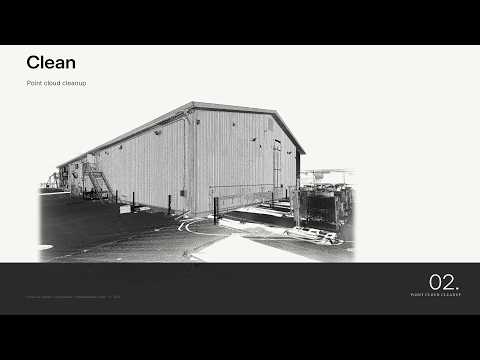
In modern Architecture, Engineering, and Construction (AEC) workflows, Scan-to-BIM has become an essential methodology for capturing real-world conditions with pinpoint accuracy. However, raw laser scan data often contains a massive amount of visual noise—such as passing pedestrians, moving vehicles, vegetation, or temporary site equipment. To convert this raw data into a reliable 3D model, mastering the point cloud cleanup process in Autodesk ReCap is critical.
Why Is Point Cloud Cleanup Essential?
Before importing point cloud data into BIM authoring tools like Autodesk Revit, preparing and refining your dataset saves enormous processing power and prevents costly design errors. Unwanted visual artifacts can obscure actual structural elements, leading to misalignments and inaccurate modeling. By executing a thorough cleanup stage, you ensure that your project starts with a clean, high-precision foundation.
Key Steps for Cleaning Point Clouds in Autodesk ReCap
The cleanup phase inside Autodesk ReCap allows users to isolate structural geometry from irrelevant objects seamlessly. Here is a streamlined approach to perfecting your point cloud data:
- Identify and Select Noise: Utilize the region and selection tools to highlight stray points, reflection artifacts, and temporary obstructions like furniture or moving workers.
- Delete Unwanted Objects: Permanently remove deleted points or place them into dedicated regions so they do not interfere with the primary building elements.
- Define Limit Boxes: Use Limit Boxes to isolate specific floors, rooms, or structural sections. This reduces file viewing overhead and makes detailed inspection much easier.
- Export Cleaned Scans: Once the noise is removed, export your optimized project as a unified point cloud file ready for seamless integration into your downstream BIM software.
Streamlining Your Scan-to-BIM Workflow
A well-executed cleanup phase significantly reduces file sizes and enhances software performance during the modeling stage. Leveraging the robust feature set in Autodesk ReCap ensures your Scan-to-BIM pipeline remains efficient, accurate, and hassle-free from field capture to final digital delivery.


