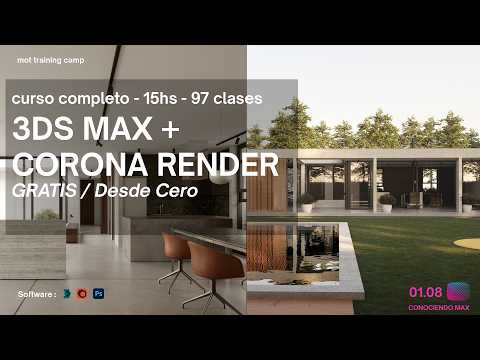
Starting your journey in 3D architectural visualization can feel overwhelming, but mastering the fundamentals makes all the difference. One of the most critical foundational skills you need when working in Autodesk 3ds Max is learning how to select and manage objects efficiently. Whether you are building complex architectural scenes or organizing smaller interior elements, mastering object selection will dramatically speed up your workflow and keep your workspace organized.
Why Object Selection Matters in 3D Workflows
In a dense architectural scene filled with geometry, lighting fixtures, cameras, and decorative assets, selecting the exact item you need can quickly become tedious. Utilizing the selection tools available within Autodesk 3ds Max allows you to navigate crowded viewports with confidence. Moving beyond simple point-and-click actions and embracing efficient selection methods lays a solid foundation for professional visual project management.
Core Selection Techniques Every Artist Should Use
To streamline your 3D design process, familiarize yourself with these essential selection methods:
- Select by Name: A massive time-saver for large-scale scenes. Pressing the shortcut key brings up the scene explorer, allowing you to select items instantly from a text list.
- Window vs. Crossing Mode: Switch between selecting objects that are entirely enclosed within your selection region versus anything touched by the selection border.
- Selection Filters: Restrict your cursor actions to specific object types—such as geometry, lights, or cameras—ensuring you never accidentally shift a background wall while fine-tuning light sources.
Take Your Architectural Visualization to the Next Level
Combining smart object organization with powerful modern tools like Corona Renderer gives you complete control over your creative output. As you build your expertise in Autodesk 3ds Max, developing clean viewport habits will make transitioning from basic modeling to high-end rendering effortless. Start practicing these core selection methods today to create a faster, stress-free 3D modeling workflow!


