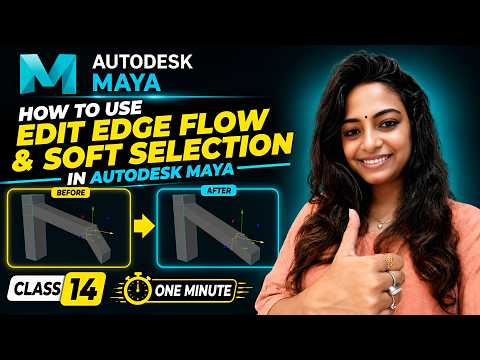
Creating clean, professional 3D models requires more than just extruding faces and moving vertices. To achieve realistic organic shapes and smooth geometry, mastering topology management is essential. In this guide, we will explore two crucial polygon modeling features in Autodesk Maya: Edit Edge Flow and Soft Selection. These powerful tools will significantly speed up your workflow and elevate the overall quality of your 3D assets.
What is Edit Edge Flow and Why Should You Use It?
When adding new edge loops to a complex 3D mesh, manually adjusting each vertex to match the surrounding curvature can be time-consuming and tedious. This is where the Edit Edge Flow feature shines. By evaluating the surrounding geometry, it automatically adjusts the position of newly inserted or selected edge loops to conform to the natural curve of your model.
Whether you are modeling character faces, mechanical parts, or organic props, utilizing Edit Edge Flow ensures your topology remains clean and smooth without requiring continuous manual tweaking.
Achieving Smooth Deformations with Soft Selection
Standard component transformations often lead to rigid, unnatural geometry. Soft Selection solves this problem by allowing you to move, rotate, or scale selected components along with a surrounding "falloff" region. The influence gradually fades based on a customizable radius, enabling seamless artistic control over your mesh.
By pressing the 'B' key in Maya, you can quickly toggle Soft Selection on and off. Holding down 'B' while left-clicking and dragging allows you to adjust the influence radius dynamically. This feature is indispensable for tweaking facial expressions, shaping organic forms, or crafting subtle surfaces effortlessly.
Streamlining Your 3D Modeling Workflow
Combining Edit Edge Flow and Soft Selection gives you maximum flexibility over your geometry. Autodesk designed these intuitive utilities to help digital artists spend less time troubleshooting messy topology and more time focusing on creative execution. Practice applying these tools to simple primitives to build confidence, and you will soon see a dramatic improvement in both your modeling speed and asset precision.


