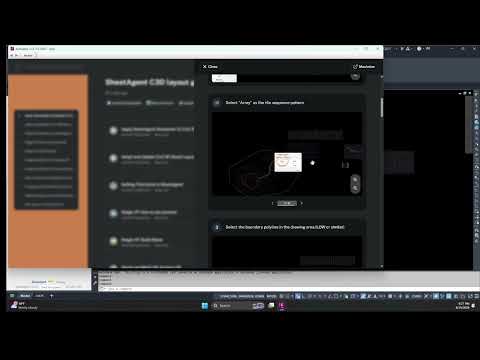
When adopting new software extensions or tools, traditional training often demands hours of scrolling through lengthy video tutorials. If you are working on a tight project deadline in Autodesk Civil 3D, stopping your workflow to watch a 45-minute video is far from ideal. You need answers fast, and you need them right where you work.
Fortunately, modern design workflows offer smart, built-in assistance directly inside your software interface. Here is how you can master new Civil 3D tools instantly without switching screens or wasting valuable billable hours.
The Problem with Traditional Video Learning
While video tutorials are great for comprehensive overviews, they fall short when you need immediate, step-by-step execution. Searching through timestamps, pausing, and constantly alt-tabbing between your web browser and design platform breaks your focus and slows down production. Autodesk users frequently face this friction when trying to integrate new plugins into their daily drafting routines.
Built-In Assistance: Step-by-Step Help Right Where You Need It
Instead of leaving your design environment, modern Civil 3D tools feature embedded support systems designed to guide you on the fly. These built-in features typically provide contextual guidance through two key layers:
- Quick-Start Tooltips: Provide instant context for specific commands and parameters so you can keep moving forward.
- Interactive In-App Walkthroughs: Offer step-by-step instructions that show you exactly what to click and configure in real time as you complete your project tasks.
By utilizing integrated support, you learn how to use specialized plugins while actively working on your civil engineering drawings, eliminating the learning curve entirely.
Boost Your Productivity Today
Eliminating the need for external video guides reduces context switching and accelerates software adoption across your team. To maximize efficiency within your Autodesk ecosystem, always look for tools that prioritize intuitive, in-product support layers. Embrace built-in help features today and transform how you master new design capabilities!


