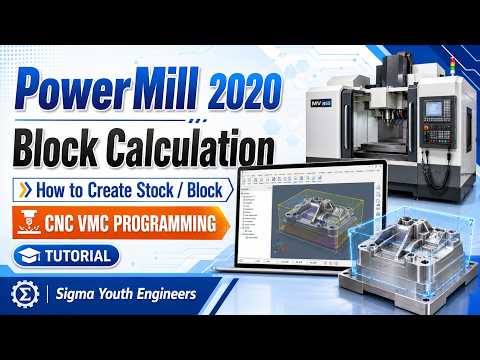
Precision is the cornerstone of modern manufacturing. When it comes to CNC and VMC programming, the journey begins long before the spindle starts spinning. One of the most critical preliminary steps in any CAM project is the definition and calculation of the raw material, commonly referred to as the "Block" or "Stock." In this guide, we will explore the essentials of block calculation within the 2020 version of the industry-leading software.
The Importance of Accurate Block Definition
Setting up your block correctly is not just a formality; it is vital for the safety and efficiency of your machining process. Autodesk PowerMill uses the block dimensions to determine toolpath limits, calculate rapid moves, and perform collision checks. If the block is defined inaccurately, you risk damaging your tools or, worse, the machine itself. By mastering block calculation, you ensure that your simulations are realistic and your toolpaths are optimized for the actual material on the machine bed.
Step-by-Step: How to Calculate the Block
In PowerMill 2020, defining your stock is a straightforward process. First, you must navigate to the "Block" dialog located within the Home tab. Here, you have several options for defining the shape:
- Box: The most common method, which creates a rectangular volume around your CAD model.
- Cylinder: Ideal for lathe work or circular components.
- Picture/File: Allows you to import a specific pre-machined shape or casting.
Once you select the type, clicking the "Calculate" button allows the software to automatically detect the outer limits of your imported geometry. You can then add "Expansion" values if your raw material is slightly larger than the finished part. This ensures the tool starts cutting from the very edge of the actual stock.
Optimizing Your Workflow
Modern CNC programming requires speed without sacrificing quality. Using Autodesk tools allows programmers to quickly switch between different stock definitions to test various machining strategies. Always remember to lock your block once calculated to prevent accidental changes that could invalidate your existing toolpaths.
Conclusion
Mastering the block calculation feature is a fundamental skill for any CNC programmer. It lays the groundwork for error-free machining and professional-grade VMC programming. Whether you are a beginner or looking to refresh your skills, understanding these stock-creation basics will significantly improve your manufacturing output and overall workflow efficiency.


