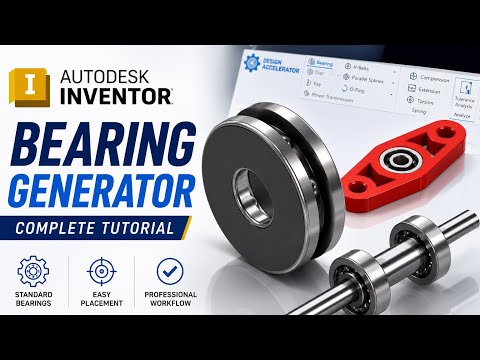
Designing complex mechanical assemblies requires precision, speed, and strict adherence to standardized hardware. If you are still manually modeling standard components like bearings from scratch, you are losing valuable engineering time. Fortunately, Autodesk Inventor provides a powerful built-in feature designed to automate this process seamlessly: the Bearing Generator.
What is the Bearing Generator in Inventor?
Located within the Design Accelerator suite, the Bearing Generator allows engineers and 3D modelers to quickly calculate, select, and insert standardized bearings directly into their assembly files. Instead of searching external vendor catalogs and importing static CAD files, the generator connects you to an extensive library of industry-standard components—including ISO, ANSI, DIN, and major manufacturer specifications.
Step-by-Step: Inserting Bearings Into Your Assembly
Streamlining your workflow using the Bearing Generator takes just a few clicks:
- Open Your Assembly File: Ensure your main assembly is open with your shaft and housing references ready.
- Access the Design Accelerator: Navigate to the Design tab on the top ribbon and click on the Bearing tool located in the Power Transmission panel.
- Set Placement References: Select the cylindrical face of the shaft for alignment, followed by a planar face or shoulder for axial positioning.
- Choose Specifications and Standards: Filter the bearing catalog by type (ball, roller, needle, or thrust), dimensions, or required dynamic/static load capacity.
- Generate and Complete: Click OK to automatically generate the dynamic 3D bearing model directly into your assembly tree.
Key Benefits for CAD Engineers
Automating component selection significantly reduces errors during the mechanical design phase. Utilizing automated generators within Autodesk software ensures that your 3D models and Bills of Materials (BOM) strictly correspond to real-world, off-the-shelf parts ready for procurement and manufacturing.
By mastering tools like the Bearing Generator, you eliminate repetitive modeling tasks, optimize your assembly workflows, and focus your energy on innovative engineering solutions.


