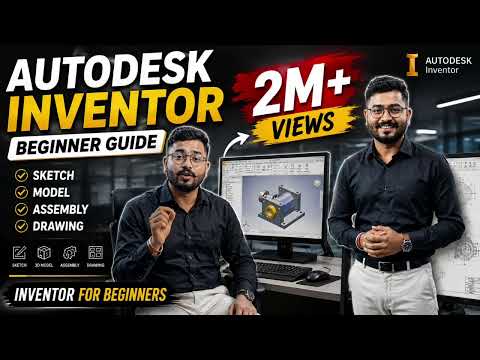
Are you ready to dive into the world of 3D computer-aided design (CAD)? Whether you are an aspiring mechanical engineer, product designer, or student, Autodesk Inventor offers the essential tools you need to turn your concepts into functional, real-world 3D models.
Starting out with powerful software can feel overwhelming, but mastering the fundamentals of modern mechanical design is easier than you think. In this quick guide, we will break down what makes this platform essential and how beginners can fast-track their learning journey.
Why Learn 3D Mechanical Design?
Mechanical design requires precision, flexibility, and robust visualization tools. Using professional software developed by Autodesk, designers can utilize parametric modeling capabilities. This means you can create dynamic 3D parts where dimensions and features can be easily modified at any stage of the engineering process.
Key benefits for beginners include: - Intuitive Workspace: Easy navigation through sketching, part modeling, and assembly creation. - Parametric Controls: Seamlessly update complex models by simply altering dimension parameters. - Comprehensive Output: Generate 2D engineering drawings, run motion simulations, and prepare models for 3D printing or manufacturing.
Core Roadmap for Beginners
-
Master the 2D Sketching Environment
Every great 3D model starts with a 2D foundation. Focus on learning basic geometry tools like lines, circles, and arcs. Pay special attention to geometric constraints and dimensions to ensure your sketches are fully defined. -
Transform Sketches into 3D Solid Parts
Once your 2D sketch is ready, apply foundational 3D features such as Extrude, Revolve, Fillet, and Shell. These core commands allow you to transform flat shapes into solid objects. -
Build Assemblies and Technical Drawings
After creating individual components, bring them together in an assembly environment using joints and constraints. Finally, project your 3D models into standardized 2D drawings ready for production.
Final Thoughts
Developing strong CAD skills takes practice, consistency, and hands-on application. By focusing on fundamental tools and building simple projects first, you will quickly gain confidence. Start exploring your design ideas today and elevate your technical skillset to the next level!


