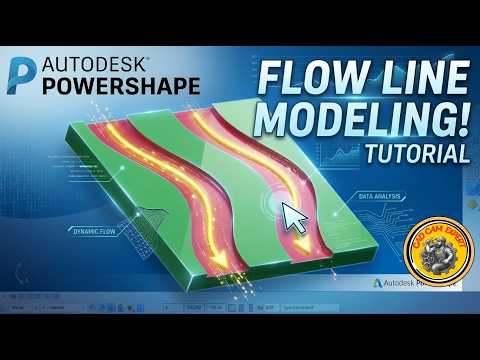
When designing complex components, molds, or tooling with intricate geometries, traditional solid modeling techniques often fall short. That is where hybrid modeling steps in. By seamlessly combining the strengths of surfaces and solids, Autodesk PowerShape provides engineers and CAD designers with the exact precision required to craft sophisticated 3D models efficiently. In this guide, we will explore how to leverage flow lines to create dynamic, high-quality 3D surface and solid models.
Understanding the Power of Flow Line Modeling
Flow line modeling is an advanced surfacing technique used to generate smooth, continuous surfaces that follow specific directional curves. Unlike standard extrusion or lofting methods, flow lines give you granular control over surface curvature and continuity across complex 3D boundaries. This capability is essential when designing organic shapes, consumer products, and detailed mold inserts that require flawless visual transitions and precise manufacturing tolerances.
Key Steps to Build Dynamic Flow Line Models
Creating a dynamic flow line model requires a structured workflow to ensure both technical accuracy and production readiness:
- Prepare Your Base Wireframe and Solids: Begin by establishing the foundational skeleton of your design. Define key drive curves and reference solid faces that will act as the control boundaries for your new surface.
- Generate the Flow Line Surface: Utilizing the dedicated surface creation tools in Autodesk PowerShape, select your guide curves and primary surfaces. The software intelligently computes the surface transition, sweeping geometry smoothly along the specified flow paths.
- Refine Surface Continuity: Fine-tune tangency and curvature conditions along all intersecting edges. Ensuring smooth continuity prevents unwanted surface flaws and improves toolpath generation during downstream CAM manufacturing.
- Integrate Surfaces with Solid Geometry: Merge your newly crafted flow line surfaces back into your main solid model to complete a unified, watertight 3D component.
Why Flow Line Techniques Matter for CAD Designers
Mastering surface-to-solid workflows allows design engineers to overcome complex geometric challenges in significantly less time. Whether you are repairing imported CAD data or developing custom tooling from scratch, controlling surfaces with flow lines elevates the overall accuracy and aesthetic quality of your models.
Ready to upgrade your CAD workflow? Start implementing these practical flow line techniques today to unlock the full engineering potential of Autodesk PowerShape.


